 Packetbrew
Beyond Routers & Switches: What Really Connects You to Websites
Understanding the complete network infrastructure behind every web connection
If you’ve been studying networking for a while, you’ve probably mastered the basics: routers forward packets, switches connect devices, IP addresses identify hosts, and MAC addresses enable local communication. But when someone asks you, “What actually happens when you connect to a website?"—can you explain the complete picture?
Most networking courses focus heavily on routing and switching protocols, leaving out critical infrastructure components that work behind the scenes every single day. Between your device and any website you visit, there are devices working together in perfect coordination. Understanding how they interact isn’t just academic knowledge—it’s fundamental to being an effective network engineer.
Today, we’re diving deep into hosts, DNS servers, firewalls, load balancers, and network management systems. More importantly, you’ll learn how these devices communicate with each other in real-time to deliver the seamless internet experience we often take for granted.
1. Hosts: Where Every Connection Begins
What Are Hosts?
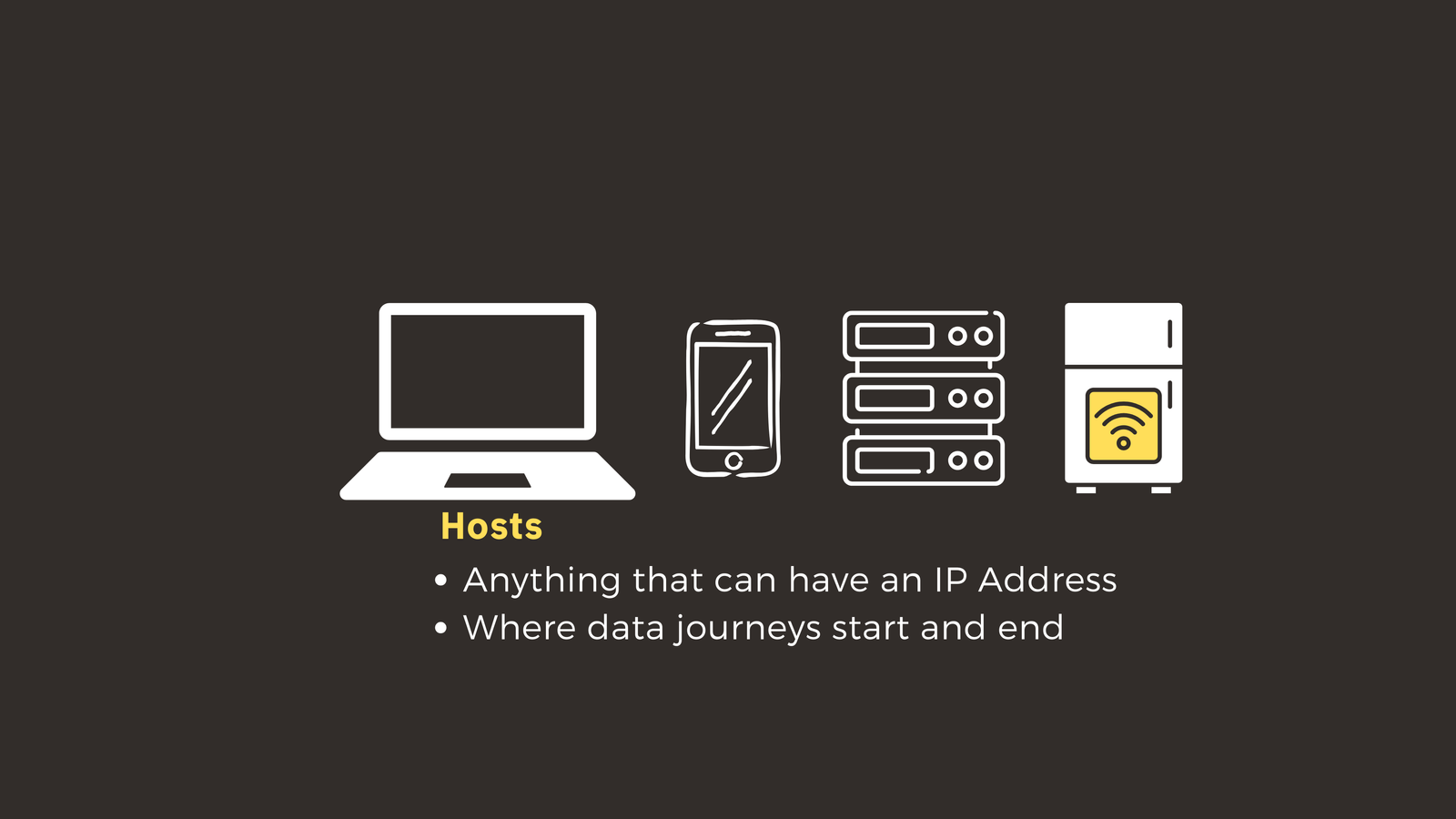
In networking terminology, a host is any endpoint device on a network capable of sending or receiving data. This includes:
- Laptops and desktop computers
- Smartphones and tablets
- Web servers and application servers
- IoT devices (yes, even your smart fridge)
- Any device with an IP address
The Role of Hosts in Network Communication
Hosts are both the origin and destination of data flows. When you open your browser and navigate to a website, your laptop acts as the source host initiating a request. The web server hosting that website is the destination host that responds to your request.
Here’s the critical point: Hosts don’t operate in isolation. Your laptop doesn’t inherently know where “worldvids.com” is located on the internet. It needs help from other network infrastructure to translate that friendly domain name into something actionable.
This is where our next device enters the picture.
2. DNS Servers: The Internet’s Phone Book
The Problem DNS Solves
When you type “worldvids.com” into your browser, you’re using a human-readable domain name. However, networks don’t work with names—they work with IP addresses. Your laptop needs to know the numerical IP address of the server hosting worldvids.com before it can establish a connection.
What is DNS?
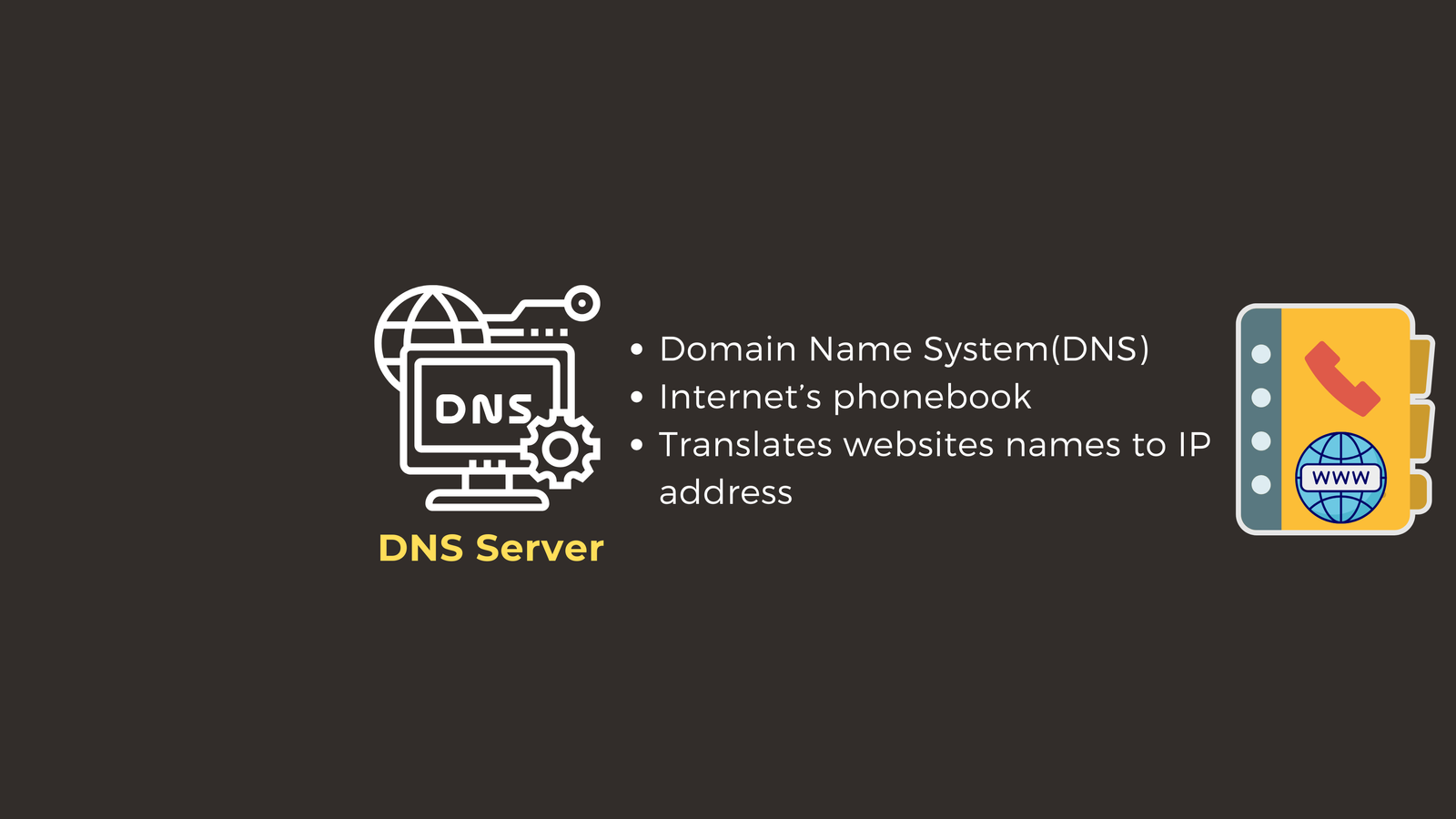
DNS (Domain Name System) is a distributed hierarchical system that translates domain names into IP addresses. Think of it as the internet’s phone book—instead of remembering that your friend’s number is 555-0123, you just look up their name in your contacts.
How DNS Interacts with Hosts
Here’s the step-by-step process:
- DNS Query: Your host sends a request to a DNS server: “What’s the IP address for worldvids.com?”
- DNS Resolution: The DNS server looks up the domain in its records (or queries other DNS servers if needed)
- DNS Response: The DNS server responds: “worldvids.com is located at 142.251.186.78”
- Connection Ready: Now your host knows exactly where to send its HTTP request
Without DNS, you would need to memorize IP addresses for every website you visit—imagine remembering 142.251.186.78 instead of just typing “worldvids.com” DNS makes the internet accessible to humans.
But There’s a Catch
Just because your host now knows where to send data doesn’t mean it should be allowed to send it there. In enterprise networks (and even home networks), not all traffic is permitted. Security policies determine what connections are acceptable.
This is where firewalls become essential.
3. Firewalls: Your Network Security Guards
What Is a Firewall?
A firewall is a security device or software that monitors and controls incoming and outgoing network traffic based on predetermined security rules. Think of it as a security checkpoint at an airport—every packet of data must pass inspection before being allowed through.
Types of Firewalls
There are two primary categories:
1. Host-Based Firewalls
- Software running directly on individual devices
- Examples: Windows Firewall, iptables (Linux), macOS Firewall
- Protects the specific host it’s installed on
- Good for filtering traffic at the endpoint level
2. Network Firewalls
- Dedicated hardware or virtual appliances
- Positioned between network segments or at network perimeters
- Protect entire subnets or network zones
- Enforce organizational security policies centrally
How Firewalls Interact with Other Devices
Continuing our worldvids.com example:
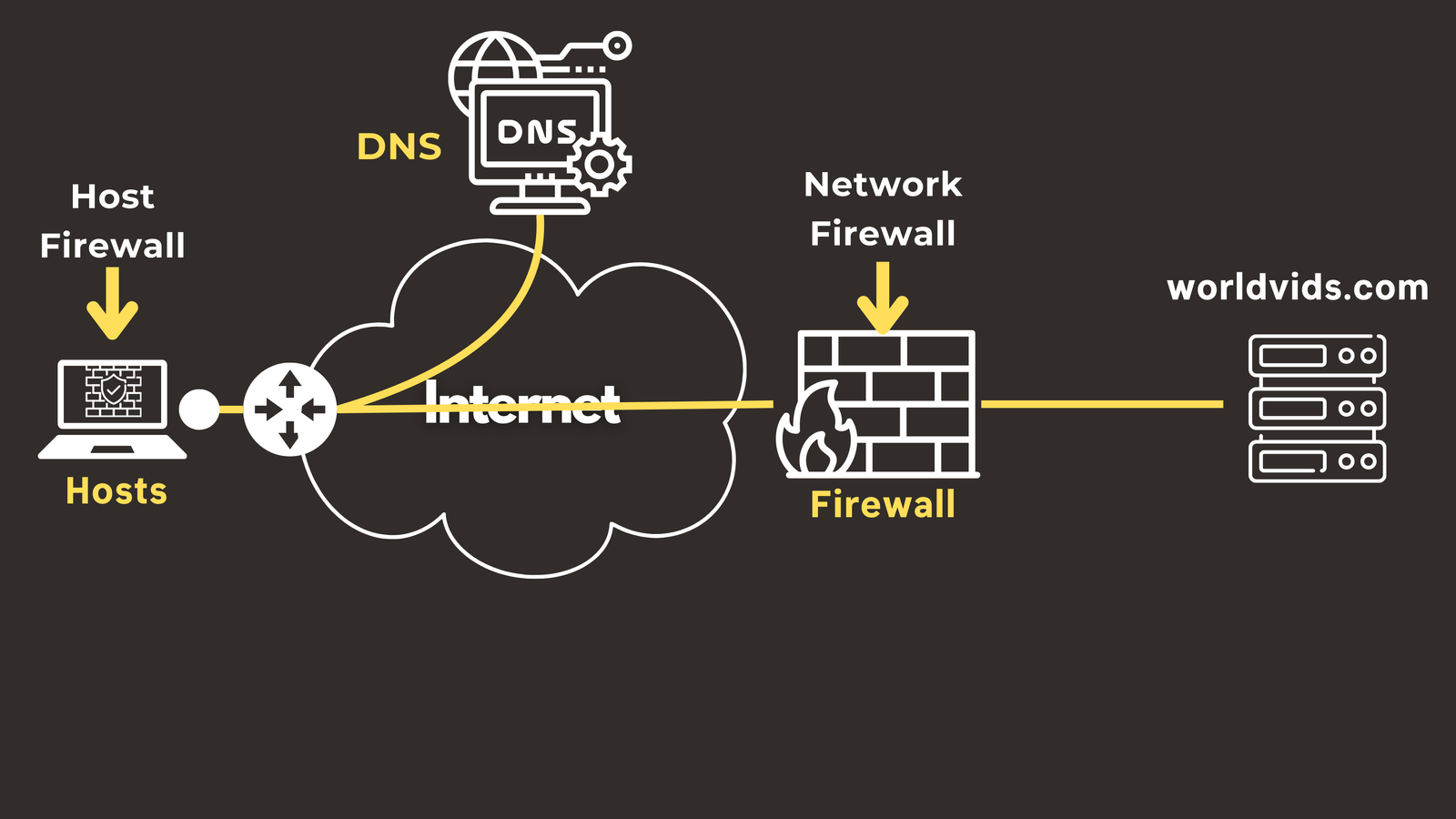
- Your host has received the IP address (142.251.186.78) from DNS
- Your host attempts to establish a connection to that IP
- The firewall intercepts this connection attempt
- The firewall evaluates the traffic against its rule set:
- Is this host authorized to access external websites?
- Is the destination IP on any blacklist?
- Is HTTPS traffic allowed on port 443?
- Does this match any security threat signatures?
- If all checks pass: “Traffic approved, proceed”
- If any check fails: “Traffic denied, connection blocked”
Bidirectional Protection
Firewalls protect traffic in both directions:
- Outbound filtering: Prevents compromised hosts from communicating with command-and-control servers or exfiltrating data
- Inbound filtering: Blocks external threats from reaching internal resources
Key insight: DNS tells you WHERE to go, but the firewall decides IF you’re allowed to go there.
Once your request passes firewall inspection and travels across the internet, it arrives at the destination network. But for high-traffic websites serving millions of users, another challenge emerges.
4. Load Balancers: Intelligent Traffic Directors
The Scalability Challenge
When your request reaches a popular website like worldvids.com, it doesn’t connect to a single server. Large-scale web services operate server farms with hundreds or thousands of servers. Without intelligent traffic distribution, some servers could be overwhelmed with 10,000 simultaneous connections while others sit completely idle.
What Is a Load Balancer?
A load balancer is a device or software application that distributes network traffic across multiple servers. It acts like a traffic controller at a busy intersection, directing vehicles to different lanes to prevent congestion.
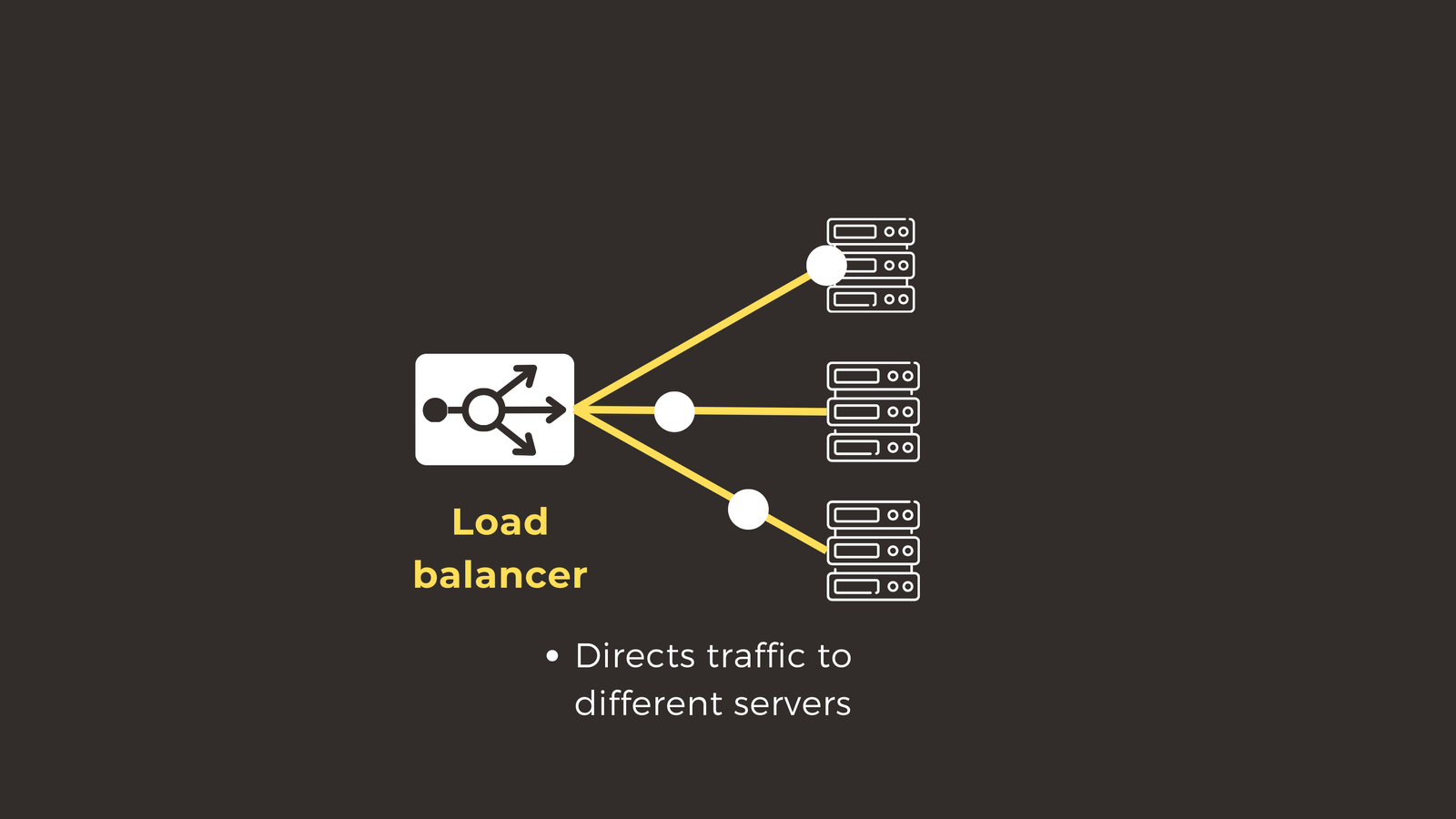
How Load Balancers Work
Here’s what happens when your request reaches worldvids.com:
- Request Arrival: Your HTTP request arrives at worldvids.com’s network infrastructure
- Health Check: The load balancer maintains real-time information about which backend servers are healthy and available
- Distribution Decision: Using an algorithm (round-robin, least connections, IP hash, etc.), it selects the optimal server
- Request Forwarding: “Server #247 is least busy—sending your request there”
- Response Routing: Server #247 processes your request and generates the worldvids.com homepage
- Return Path: The load balancer receives the response and forwards it back to your host
The Benefits of Load Balancing
Load balancers provide several critical advantages:
- Performance optimization: Distribute load evenly to prevent server overload
- High availability: Automatically route around failed servers
- Scalability: Add or remove backend servers without disrupting service
- Session persistence: Ensure users maintain consistent connections to the same server when needed
Without load balancers, popular websites would experience frequent crashes, slow response times, and poor user experiences during traffic spikes.
But Who Watches the Watchers?
With all these devices working together—hosts, DNS servers, firewalls, and load balancers—how do network engineers know when something goes wrong? How do you monitor the health of dozens or hundreds of network devices simultaneously?
5. Network Management Systems (NMS): The Bird’s-Eye View
What Is an NMS?
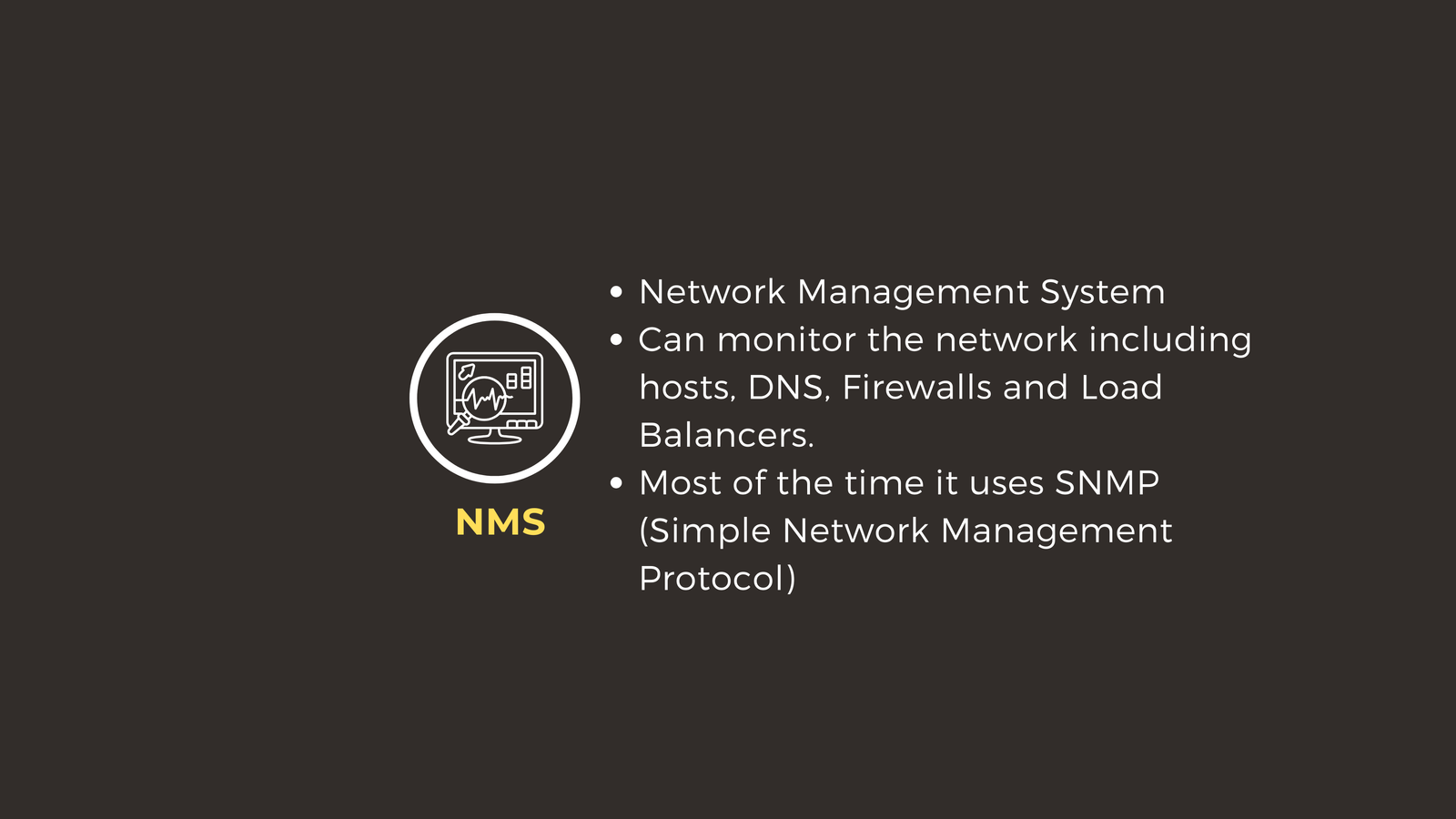
A Network Management System (NMS) is software (or a suite of tools) that monitors, manages, and troubleshoots network infrastructure. It provides centralized visibility and control over all network devices.
Beyond Traditional Network Devices
Modern NMS solutions aren’t limited to routers and switches. They can monitor:
- Hosts: Availability, performance metrics, resource utilization
- DNS Servers: Query response times, resolution accuracy, server health
- Firewalls: Security events, rule violations, blocked threats, connection logs
- Load Balancers: Traffic distribution, backend server health, response times
- Routers and Switches: Interface status, bandwidth utilization, packet loss
- Servers: CPU usage, memory consumption, disk space, application performance
How NMS Systems Work
Most NMS platforms use SNMP (Simple Network Management Protocol) to communicate with network devices. Here’s what a typical monitoring flow looks like:
- Data Collection: The NMS polls devices at regular intervals (every 30 seconds, 1 minute, 5 minutes, etc.). Another way is when devices send information to NMS using SNMP traps.
- Metric Storage: Performance data is stored in a time-series database
- Threshold Evaluation: The system compares metrics against configured thresholds
- Alerting: When thresholds are exceeded, alerts are generated via email, SMS, or incident management systems
- Visualization: Dashboards provide real-time views of network health
Real-World Example
Imagine this scenario: A fiber link between suddenly fails. Here’s how the NMS responds:
- Detection: Within seconds, the NMS detects the interface status change from “up” to “down”
- Correlation: It identifies all affected services and devices
- Alerting: Network engineers receive an immediate alert with relevant logs
- Remote Management: Engineers can access the device remotely through the NMS to begin troubleshooting
- Historical Analysis: The NMS provides historical data to determine if there were warning signs before the failure
Why NMS Is Critical
Without a network management system, network administration becomes reactive rather than proactive. You wouldn’t know about problems until users start complaining. The NMS transforms network operations from firefighting to strategic management.
Putting It All Together: The Complete Network Flow
Let’s trace a complete journey from your device to a website, showing how all five components interact:
Scenario: You Want to Watch a Video on worldvids.com
Step 1: Host Initiates Request
- You type “worldvids.com” into your browser
- Your laptop (host) recognizes it needs the IP address for this domain
Step 2: DNS Resolution
- Host sends query: “DNS, what’s the IP for worldvids.com?”
- DNS server responds: “It’s 142.251.186.78”
- Host now knows the destination IP address
Step 3: Firewall Inspection (Outbound)
- Host attempts to establish connection to 142.251.186.78:443
- Firewall intercepts the connection attempt
- Firewall checks security policies: “Traffic approved, proceed”
Step 4: Load Balancer Distribution
- Load balancer receives incoming connection
- Checks backend server health: “Server #247 has the fewest active connections”
- Forwards your request to Server #247
Step 5: Server Processing
- Server #247 receives your HTTP request
- Retrieves the requested video page
- Generates HTTP response with the webpage content
- Server sends response back to load balancer
- Load balancer forwards response
Step 6: Firewall Inspection (Inbound)
- Response arrives at your network’s firewall
- Firewall inspects returning traffic: “Response verified from established connection, allowed through”
- Traffic is forwarded to your host
Step 7: Content Delivery
- Your browser receives the webpage
- Video begins playing
Step 8: Continuous Monitoring
- Throughout this entire process, the NMS has been:
- Monitoring host connectivity
- Tracking DNS query response times
- Logging firewall security events
- Checking load balancer health metrics
- Recording network performance data
The Interdependency
Notice how each device depends on others:
- Hosts need DNS to find destinations
- DNS responses must pass through firewalls
- Approved traffic encounters load balancers
- Load balancers direct traffic to hosts (servers)
- NMS monitors all of the above
Remove any single component, and the entire system breaks down. This is why understanding device interactions is just as important as understanding individual device functions.
Key Takeaways for Network Engineers
1. Networks Are Ecosystems, Not Collections
Modern networks aren’t just routers and switches forwarding packets. They’re complex ecosystems where security, performance, redundancy, and management systems work together. Understanding these interactions is fundamental to:
- Troubleshooting: When a user can’t access a website, is it DNS? Firewall rules? Load balancer failure?
- Design: Architecting networks requires considering how devices communicate and depend on each other
- Security: Each device introduces potential vulnerabilities that must be understood and mitigated
- Optimization: Performance improvements often require coordination across multiple device types
2. Think in Terms of Data Flows
When approaching any network problem, trace the complete data flow:
- Where does the traffic originate? (Host)
- How does it find its destination? (DNS)
- What security controls does it pass through? (Firewall)
- How is it distributed at the destination? (Load Balancer)
- What visibility do you have into each step? (NMS)
Conclusion: The Complete Picture
Understanding networks means understanding how devices work together, not just how they work individually. The next time someone asks you, “What happens when you connect to a website?”, you can provide a comprehensive answer that goes well beyond “routers forward packets.”
You now understand:
- Hosts as the endpoints where connections begin and end
- DNS servers as the translation layer making the internet human-friendly
- Firewalls as security checkpoints protecting your network
- Load balancers as intelligent traffic directors ensuring performance and availability
- Network Management Systems as the monitoring layer providing visibility into everything
These five device categories, working in harmony with traditional routing and switching infrastructure, form the foundation of modern networking. Master their interactions, and you’ll have a significant advantage as you advance in your networking career.
Have questions about how these devices interact in specific scenarios? Check out the video on this link https://youtu.be/YxbZOqVyENg, drop a comment and let’s discuss!