 Packetbrew
Types of Networks Explained: From PAN to WAN (And Everything In Between)
Networks provide connectivity for devices to exchange data. Think of a network as a highway for your data — moving information between devices at home, at the office, or in a classroom. But not all highways are the same size, and not all networks serve the same purpose.
Most networks are classified by geographic scope — how much physical distance they cover. A few are classified by purpose instead. The two most common types you’ve probably already heard of are LAN and WAN, but there’s a whole spectrum in between — and a couple of specialized networks worth knowing too.
Let’s start from the smallest network and work our way up.
PAN: Personal Area Network
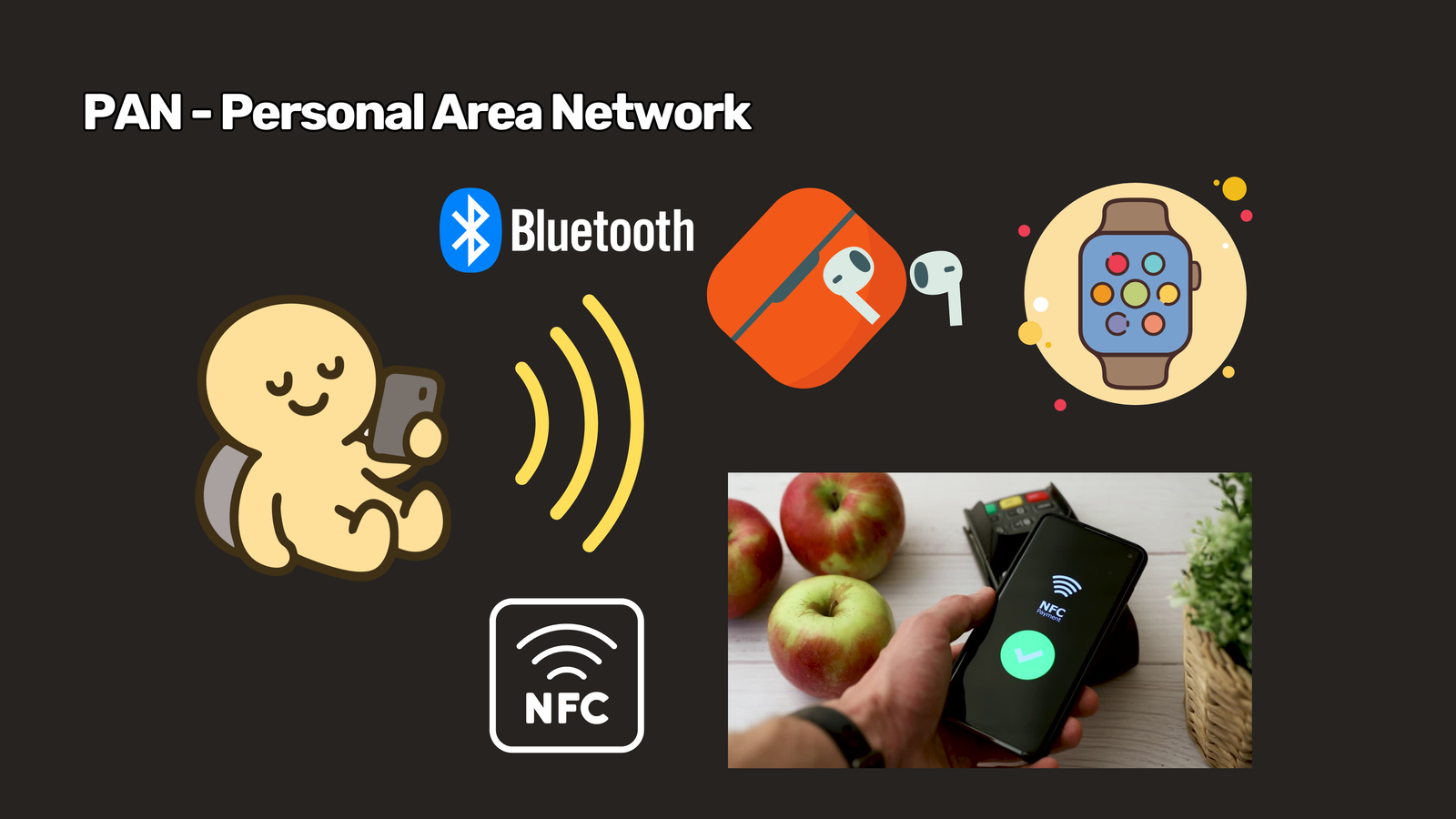
The smallest network of all is the PAN, or Personal Area Network. It covers just a few meters — essentially, your personal space.
The most common applications are Bluetooth and NFC, usually running through your phone to connect earbuds, smartwatches, or to make a contactless payment at a store. PANs are short-range by design, and that’s intentional — the limited range acts as a built-in layer of security, making it much harder for anyone outside your immediate space to intercept the connection.
LAN: Local Area Network
Extending a bit further outward is the LAN, or Local Area Network. It provides local connectivity between devices within a home, building, or office.
You’ll also find LANs in computer shops, where players connect to the same local network to play multiplayer games together. A good way to identify a LAN: if all the devices are connected within a single subnet, you’re looking at a LAN.
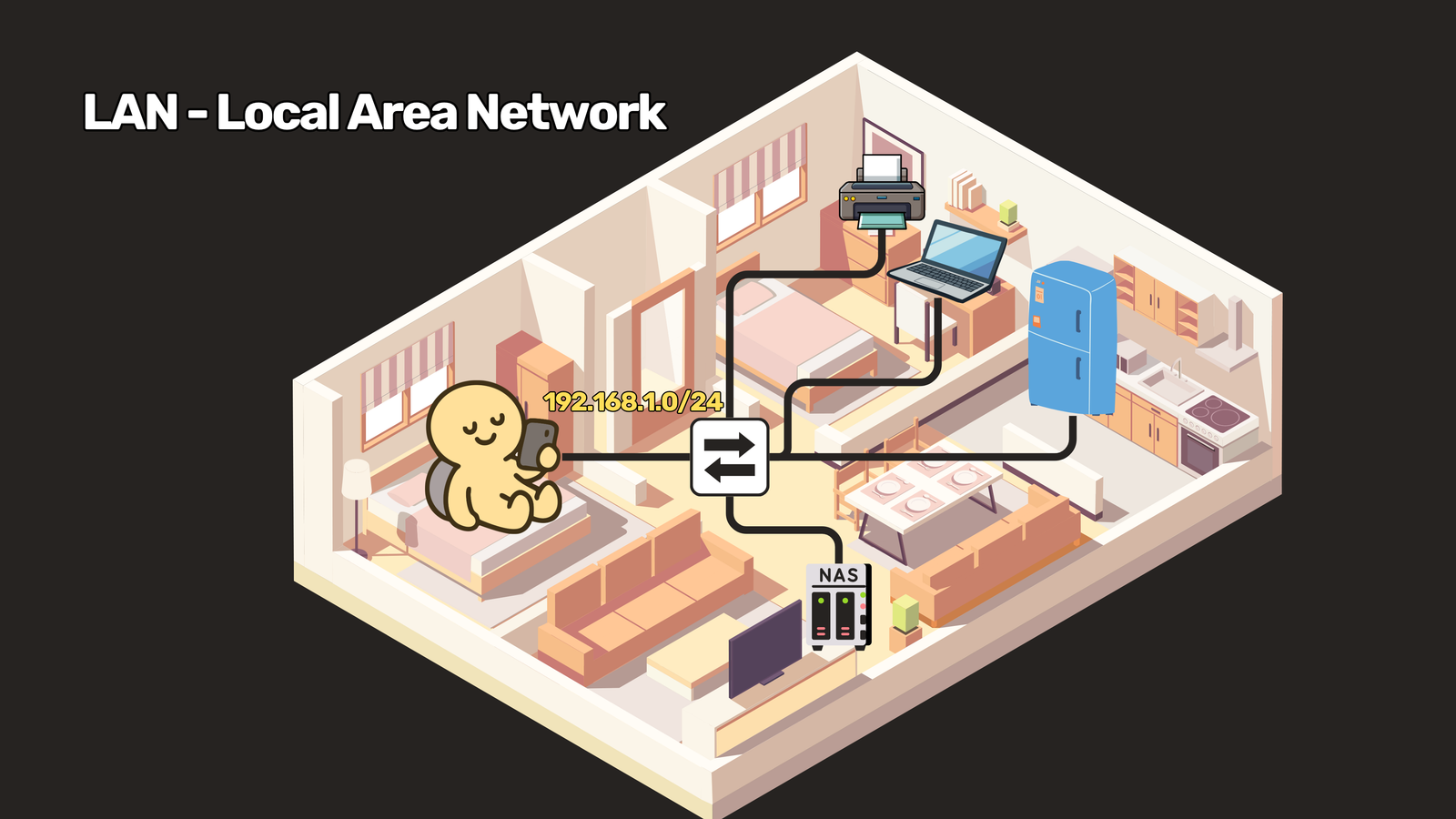
LANs are known for being fast and low-latency, since the traffic doesn’t have to travel far and the organization managing it controls the entire setup. LANs are typically wired — but if the connection is wireless, it’s called a Wireless LAN (WLAN) instead.
CAN: Campus Area Network
When you connect multiple LANs together within a small area — think a hotel, a university, or a hospital — you get a CAN, or Campus Area Network.
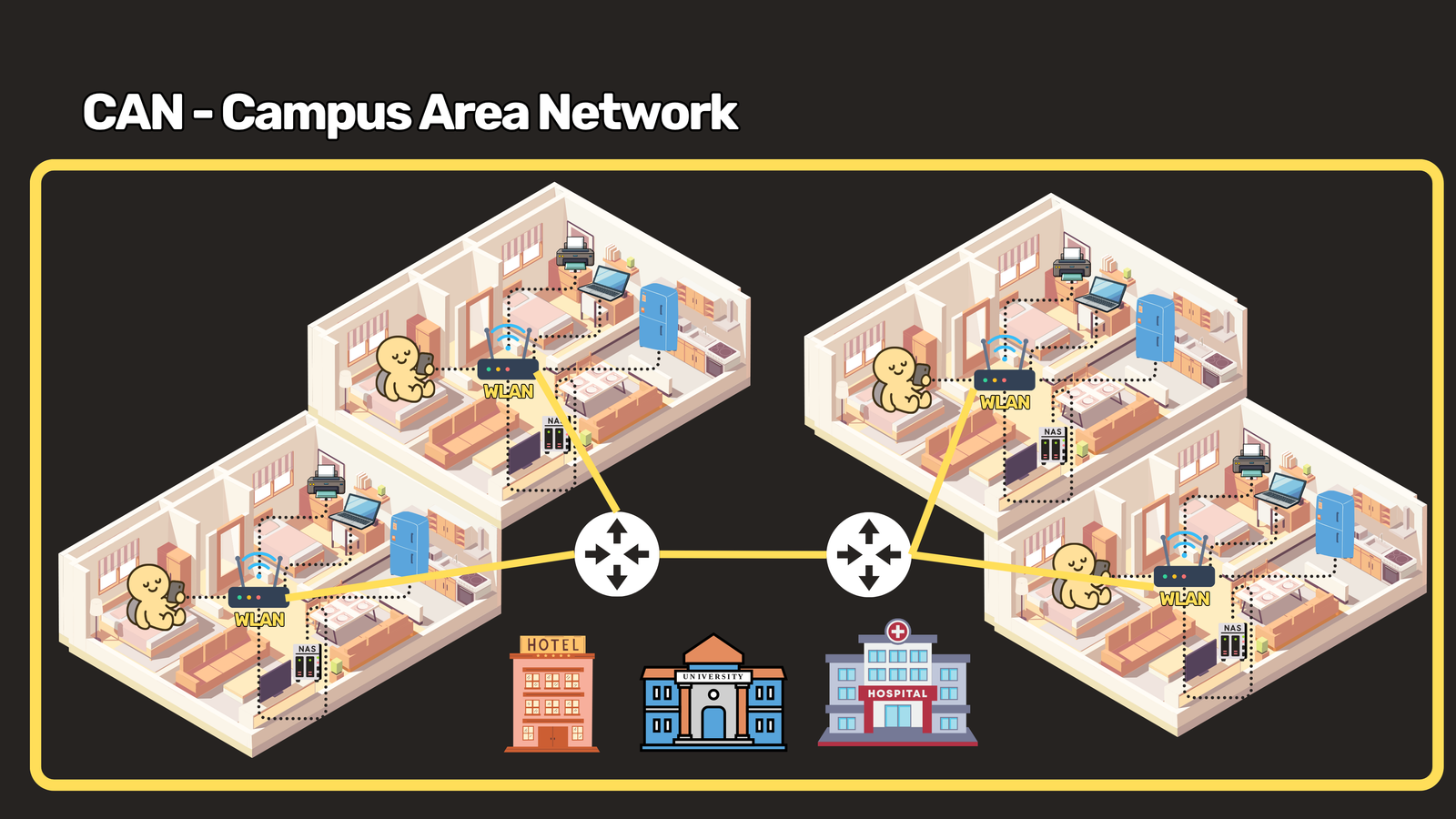
A CAN is still managed by a single owner, but now that owner is connecting multiple buildings together rather than just one. It’s the natural next step once a single LAN isn’t enough to cover an entire property.
MAN: Metropolitan Area Network
Stepping outside the campus and into the city, we get the MAN, or Metropolitan Area Network. This is the kind of infrastructure you’ll find with cable providers and local city fiber networks.
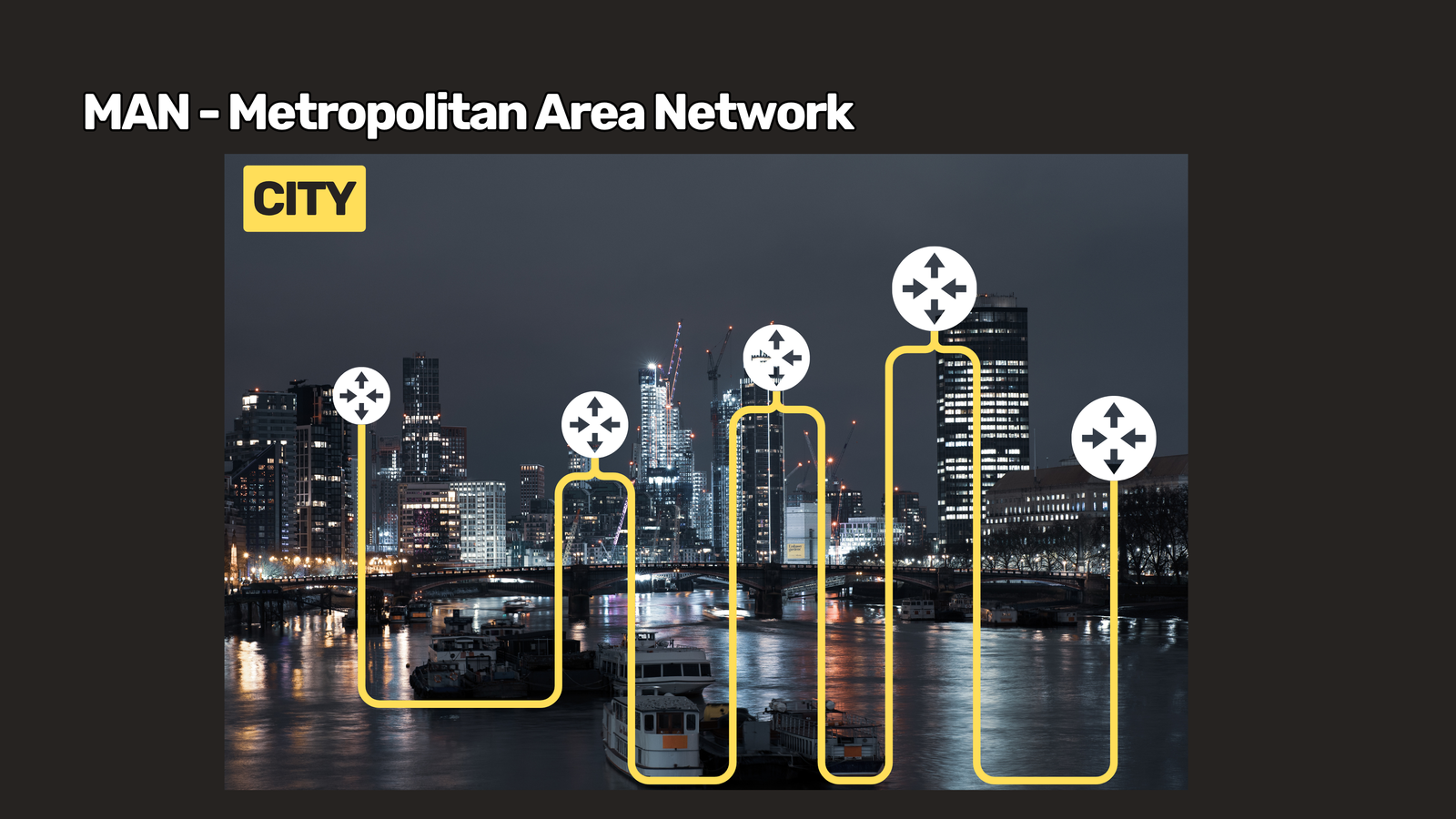
MANs are typically managed by ISPs, who provide the shared infrastructure and lease it out to organizations that need to connect their campuses across the city. Unlike a LAN or CAN, a MAN usually isn’t owned outright by the businesses using it — they’re renting access to shared, city-scale infrastructure.
WAN: Wide Area Network
The biggest network of them all is the WAN, or Wide Area Network. A WAN is composed of multiple LANs, CANs, and MANs stitched together, connecting cities, countries, and even continents.
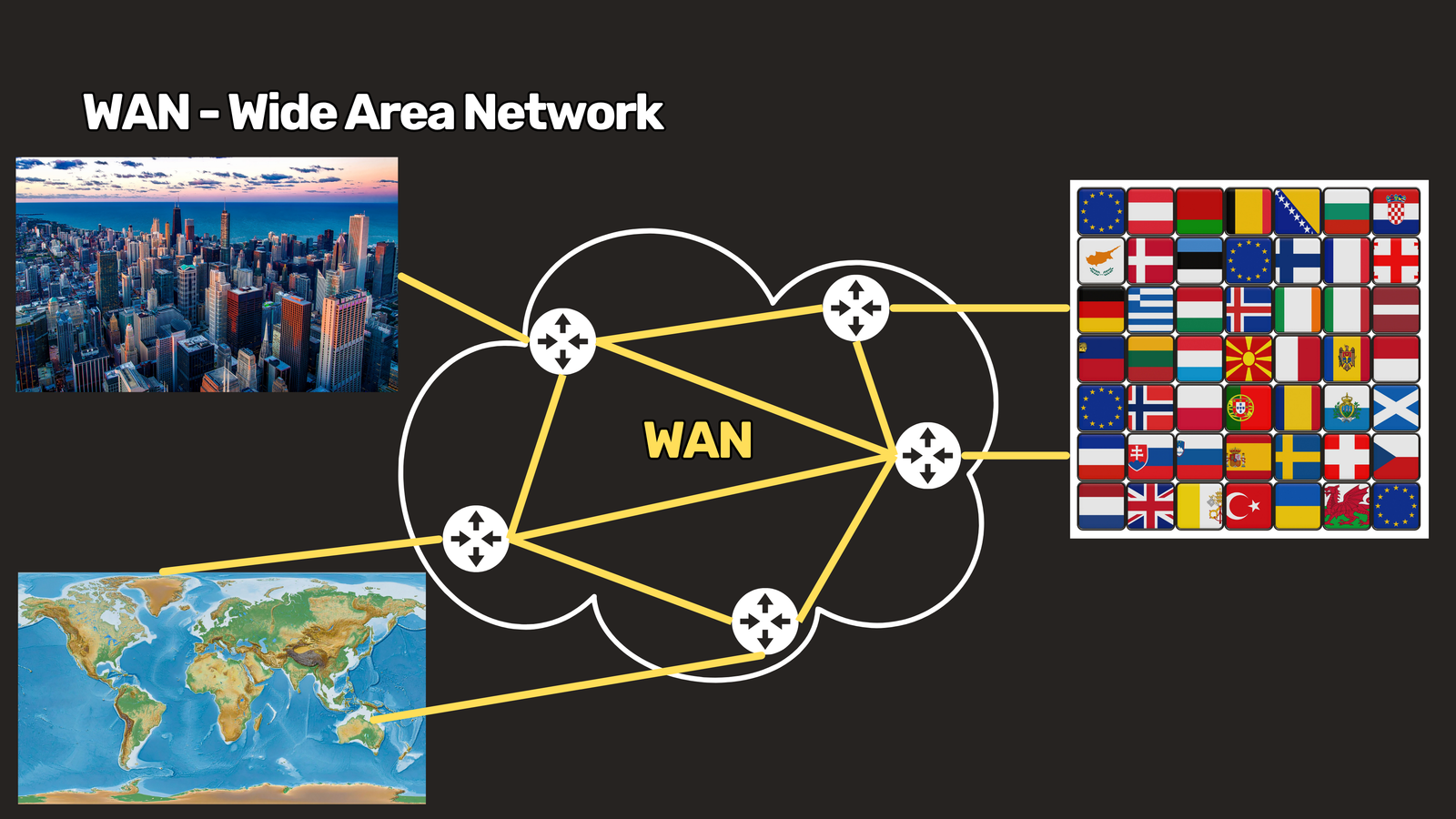
In fact, the largest WAN in existence is the internet itself — connecting users across every part of the world. Beyond the public internet, there are also private WANs, which companies use to connect offices in different countries — say, the Philippines, New York, and London — usually over leased lines or VPNs.
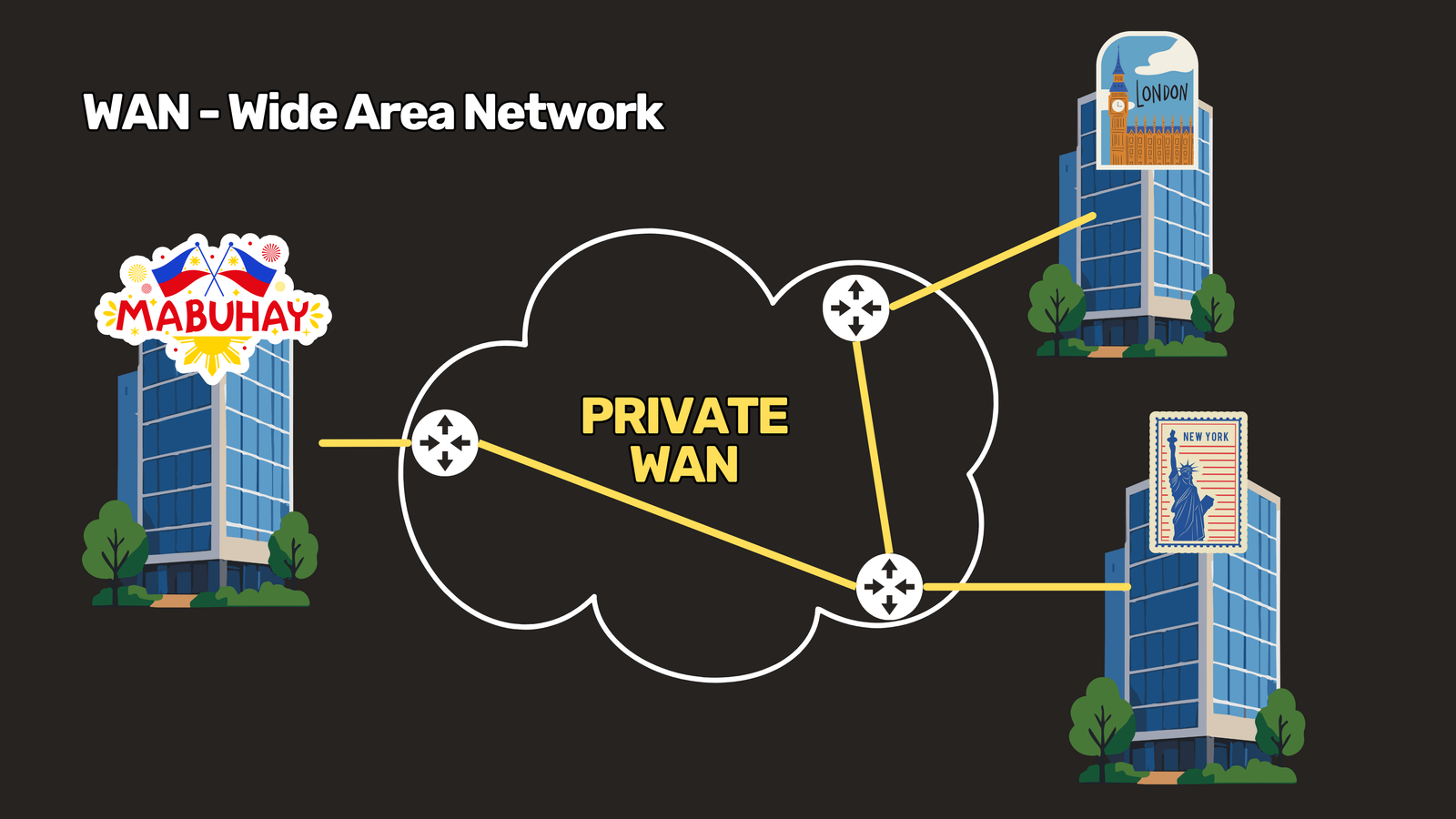
At this scale, connectivity depends on the global submarine cable network, the physical backbone of cables running along ocean floors that makes worldwide connectivity possible.
Purpose-Based Networks: SAN and VPN
Not every network is defined by size. Some are defined by what they’re built to do. Two worth knowing:
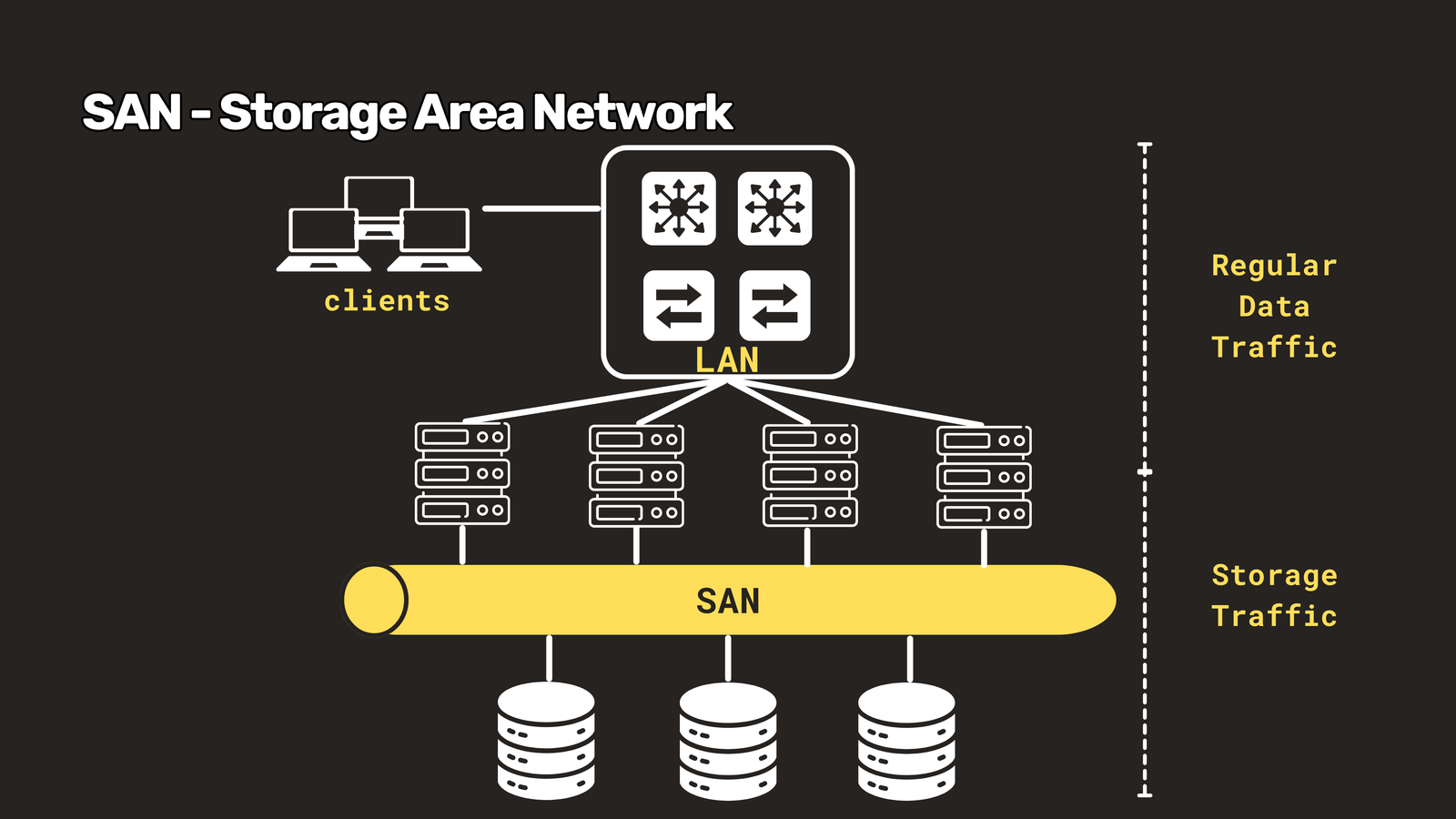
SAN — Storage Area Network. A SAN provides a dedicated, high-speed path specifically for storage communications — backups and data recovery between storage systems and servers. You’ll typically find SANs inside data centers, kept completely separate from regular data networks so storage traffic doesn’t compete with everyday network activity.
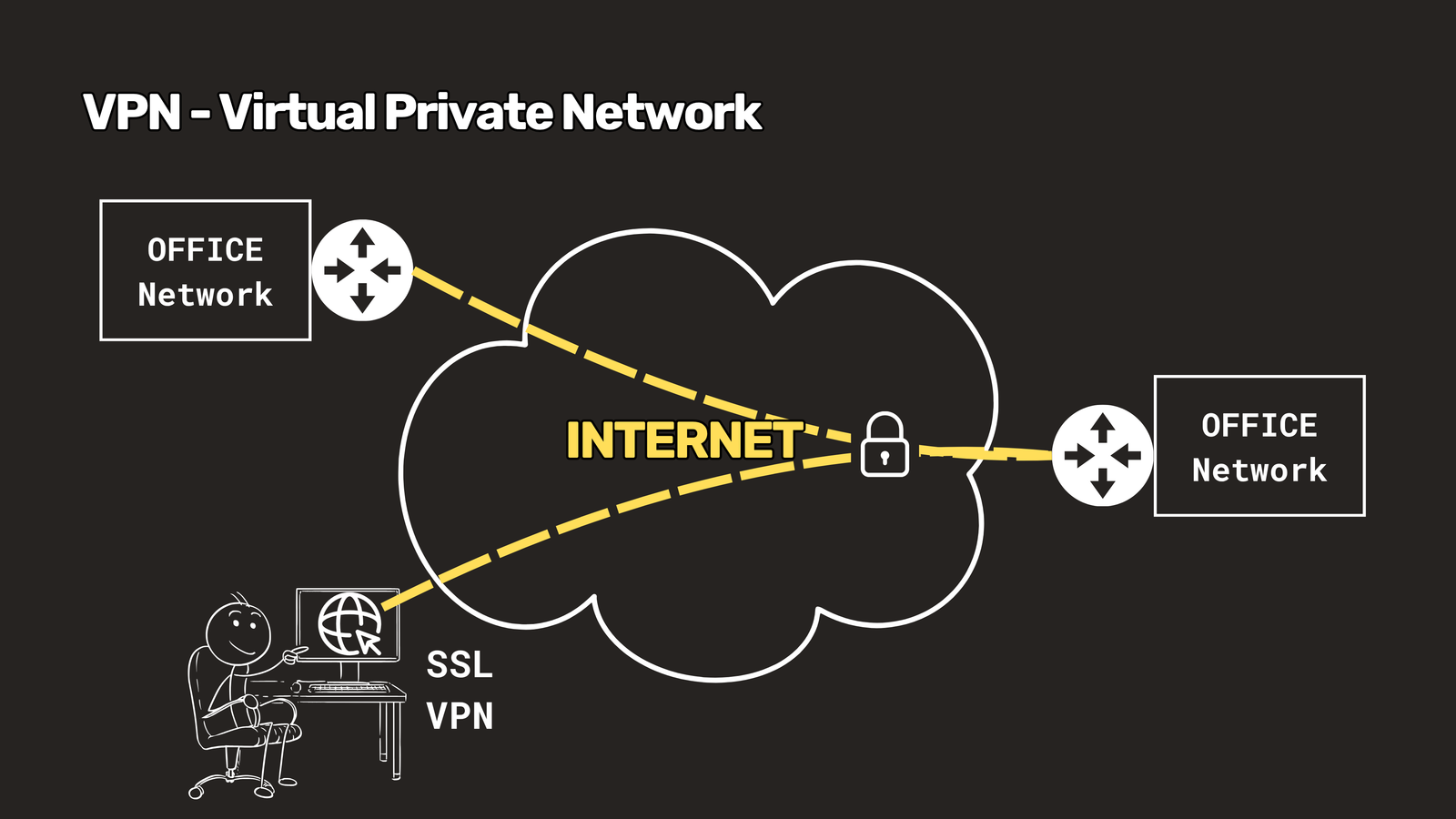
VPN — Virtual Private Network. A VPN is a virtual network built on top of an existing physical network. It uses encrypted tunnels to create a secure connection, most commonly used by remote workers connecting back to their office network from anywhere in the world.
Wrapping Up
From the few meters covered by a PAN to the global reach of a WAN, every network type exists to solve a specific connectivity problem at a specific scale. Understanding where each one fits — and why — is the foundation for everything else in networking, whether you’re setting up a home Wi-Fi router or designing infrastructure for a multinational company.
That’s the full breakdown of network types, from smallest to biggest, plus two purpose-built networks you’ll run into constantly in IT. Thanks for reading — see you in the next one!
Have questions about Network Types? Check out the video on this link https://youtu.be/-rtE9qqDBmw, drop a comment and let’s discuss!